
Log into the Merit app quickly without having to type your password by enabling biometric login
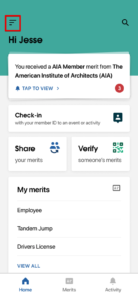
- From the home screen of the app, select the icon in the top left to open the left sidebar.
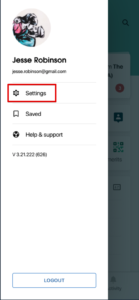
- Select Settings.

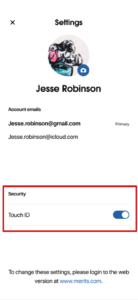
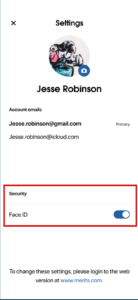
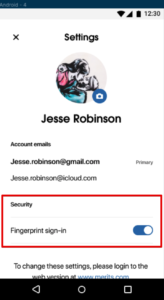
- From here, you will see your security and login options, which will differ based on the capabilities of your mobile device.
Touch ID (iOS):Face ID (iOS):
Fingerprint sign-in (Android):
*Note that if you merge your Merit account with another one by adding an additional email, you will have to reconfirm your biometric login in the Merit app.